Inventory Management
Track parts and supplies with automatic reorder points. Know exactly what you have, where it is, and when to reorder.
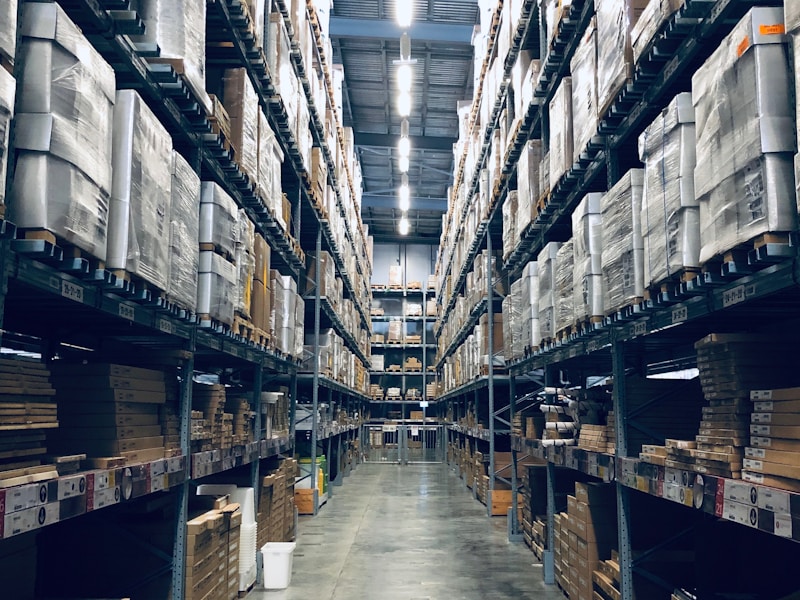
Complete Inventory Control
Never run out of critical parts or waste money on excess inventory.
Real-Time Stock Tracking
Monitor inventory levels in real-time. Know exactly what parts are available and where they're located.
Automatic Reorder Alerts
Set minimum stock levels and get notified automatically when it's time to reorder parts.
Multiple Warehouses
Manage inventory across multiple locations. Track transfers and maintain accurate counts everywhere.
Vendor Management
Store vendor information, pricing, and lead times. Compare suppliers and optimize purchasing.
Usage Analytics
Analyze parts usage patterns. Identify high-consumption items and optimize stocking levels.
Barcode/QR Scanning
Speed up inventory counts and part lookups with barcode and QR code scanning support.
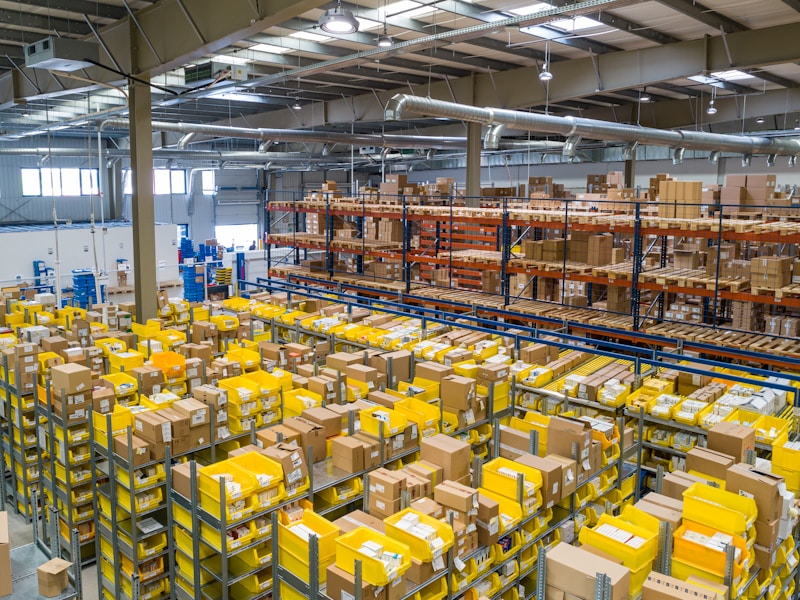
Right Parts, Right Time
Optimize your MRO inventory with data-driven insights and automated reordering.
- Reduce stockouts and emergency orders
- Lower carrying costs with optimized levels
- Track parts usage by asset and work order
- Improve purchasing decisions
- Maintain accurate inventory counts
- Speed up work order completion
What Our Customers Say
"We eliminated stockouts completely within two months. The automatic reorder alerts ensure we never run out of critical parts, and our inventory costs dropped by 22%."
"Tracking parts usage by asset has been incredibly valuable. We can now see exactly which equipment is costing us the most in parts and make smarter purchasing decisions."
"The barcode scanning feature makes inventory counts so much faster. What used to take a full day now takes about two hours, and the accuracy is near perfect."
Inventory Management FAQs
Common questions about FacilityLane inventory management.
For each part, set a minimum quantity threshold. When stock falls below this level, FacilityLane alerts you or automatically generates a purchase order. You can also set preferred vendors and quantities for each part.
Take Control of Your Inventory
Start managing your parts and supplies more effectively with FacilityLane.