The Mobile CMMS App Your Field Technicians Will Actually Use
iOS and Android. Full offline support. Barcode scanning, photo capture, digital signatures, and real-time push notifications — purpose-built for technicians working in the field, not at a desk.
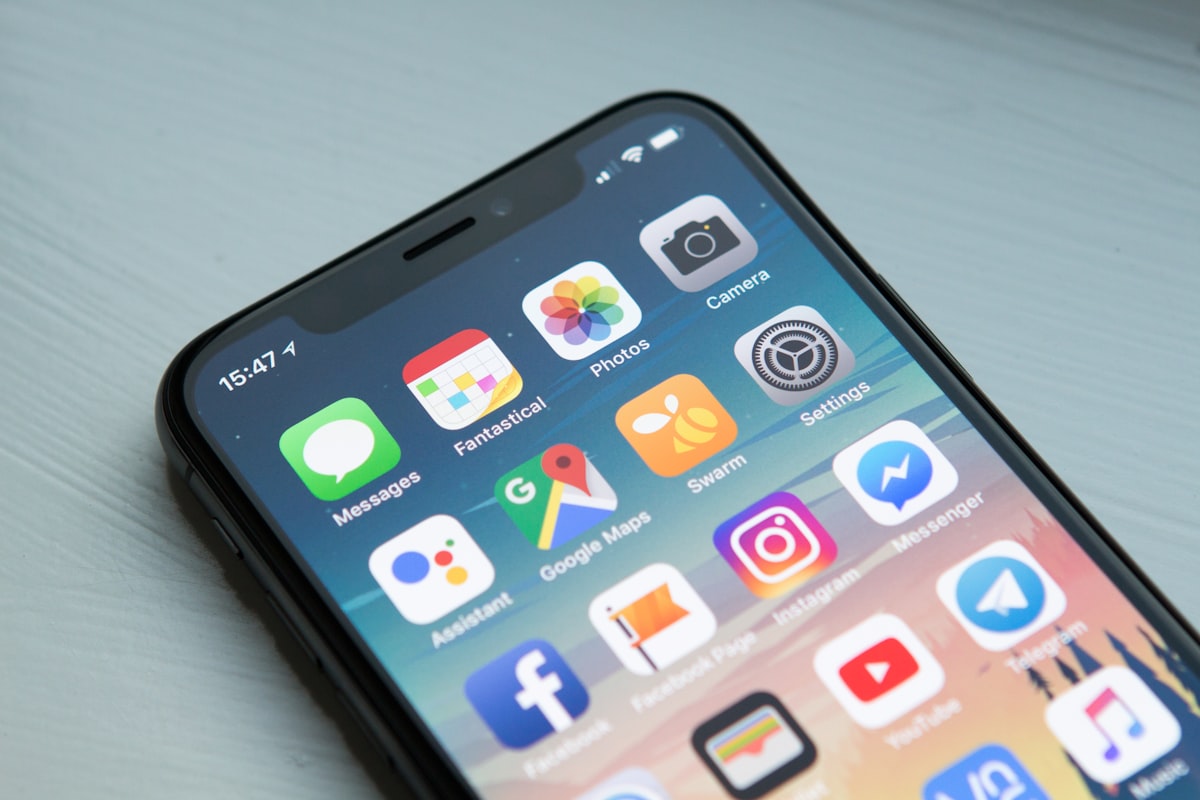
Every Feature a Field Technician Needs, Right in Their Pocket
FacilityLane's mobile app was designed from the ground up for field conditions — not adapted from a desktop interface.
iOS & Android Native App
FacilityLane's mobile app is purpose-built for both iOS and Android, delivering a fast, intuitive experience optimized for field use — not a desktop interface squeezed onto a small screen.
Full Offline Mode
Work orders, asset records, procedures, and parts lists are available without an internet connection. Technicians complete jobs in basements, remote sites, and signal-dead zones. Everything syncs automatically when connectivity returns.
Photo, Video & Voice Capture
Capture annotated photos, short video clips, and voice notes directly within a work order. Visual evidence attaches to the job record instantly, eliminating after-the-fact documentation.
Barcode & QR Code Scanning
Scan any asset's barcode, QR code, or NFC tag to instantly pull up its full maintenance history, open work orders, and linked procedures — no typing, no searching.
Digital Signatures
Collect customer or supervisor sign-off on completed work orders directly on the mobile screen. Signed records are time-stamped, stored securely, and accessible from the web dashboard immediately.
Push Notifications
Technicians receive instant push notifications for new assignments, priority changes, and approaching SLA deadlines. Supervisors are alerted when jobs are completed, escalated, or overdue.
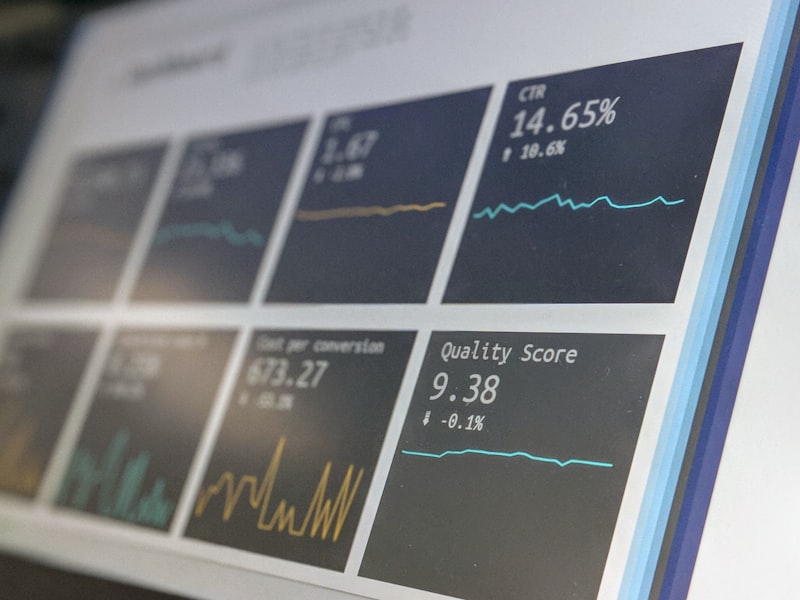
Why Maintenance Teams Choose FacilityLane Mobile
High mobile adoption rates mean more accurate data, faster job completion, and better visibility for supervisors — without chasing technicians for updates.
- Give technicians instant access to work orders, asset history, and parts lists in the field
- Eliminate paper-based job cards and manual data re-entry at shift end
- Maintain full productivity in areas with poor or no network coverage
- Speed up asset identification with one-scan barcode and QR code lookup
- Capture photographic evidence that protects against warranty and liability disputes
- Keep technicians and supervisors synchronized with real-time push notifications
What Our Customers Say
"Our technicians refused to use the old web-based system on their phones. FacilityLane's mobile app is so well designed they actually prefer it to the desktop. Adoption went from 30% to nearly 100% in two months."
"Offline mode was the deciding factor for us. Our technicians work in underground car parks and plant rooms with zero signal. FacilityLane is the only platform that handled that without any workarounds."
"Barcode scanning cut our asset lookup time from two minutes to five seconds. Multiply that across 40 technicians completing five jobs a day and you recover hundreds of productive hours every month."
Mobile CMMS App FAQs
Common questions about FacilityLane's iOS and Android mobile app for field maintenance teams.
FacilityLane's mobile app is available for Android phones and tablets on Google Play. The app is optimized for one-handed field use with large touch targets and minimal navigation depth, and receives continuous updates.
Put Your Maintenance Operations in Every Technician's Pocket
Start your free trial today and have your field team up and running on Android within hours — no hardware purchases or IT project required.